What to do on your first Frozen Wastes run
Once you spawn in the snow, press F on PC or use the WORM control to transform. Move into the open snow, try an attack on a nearby target, and watch the XP beside your level. The red-and-white ship is an easy landmark once you start exploring.
Updated 2026-11-22 · Roblox · Frozen Wastes update
Start from the snow spawn
Switch forms at the snow spawn
Wait for the ice-ocean transition to finish. Your avatar may arrive in human form. Use the bottom-center WORM control (F on PC). When it changes to HUMAN, you are in worm form and can use the worm controls shown on your HUD.
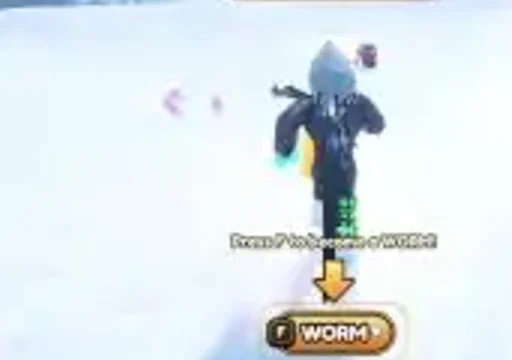
The WORM control at the bottom of the snow-spawn screen. Earn a visible XP gain
Use the worm you have equipped and move into the open snow toward a nearby target. Try the attack your HUD shows and check the top-left XP meter after contact. A Frost Lamprey run shows +30 XP beside LAUNCHED! +1. Use the XP meter as your check when trying a different worm or attack.
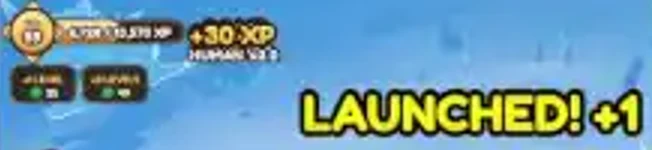
One launch in the Frozen Wastes gave +30 XP in this run. Use the ship and read the event prompt
Look for a large white ship with a dark red stripe among the ice slabs. Use it as a landmark while exploring the snowfield. If SUPPLY DROP appears, its prompt tells you to catch the crate before it lands. If a GEM CHEST appears, follow the purple arrow to look for it. You can also keep exploring and gaining XP between alerts.
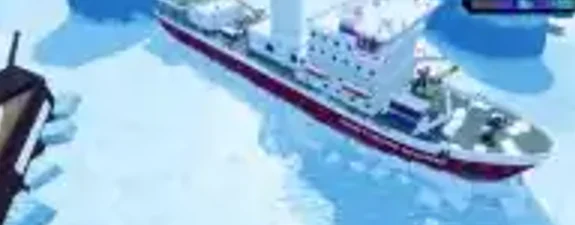
Look for the white ship and its red hull stripe among the ice slabs.
Check your first XP gain
Your worm is active in the snow and your XP meter has increased. HUMAN at the bottom of the HUD is the control that would switch you back.
If an attack earns no XP
If the control still reads WORM, transform before trying attacks. If an attack gives no XP, move to a fresh nearby target and try again. If you are still in the desert, use the World 2 portal by the rails. Its normal entry requirement is level 44.