What to Do When You Run Out of Stamina in Frozen Wastes
When OUT OF STAMINA appears, stop trying the move and watch the thin teal bar above HUMAN. Stay in worm form, give the bar time to refill, then try an attack on a nearby prop. The Infinite Stamina offer is optional.
Updated 2026-11-22 · Roblox · Frozen Wastes update
Get back to attacking
Recognize the stamina warning
If your move stops and OUT OF STAMINA appears above the playfield, check the narrow bar directly above the bottom-center HUMAN control. A small teal segment means you have little stamina left.
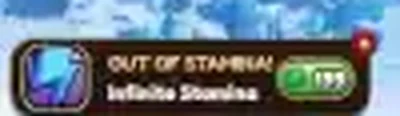
Use the warning to identify the problem, then check the meter above HUMAN. Pause the move and watch the bar
Release the control you were using and give the meter a moment to recover. HUMAN is the switch back to human form, so leave it alone if you want to stay as a worm. Use the bar itself to decide when to try again.
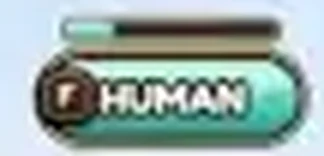
The teal section shows how much stamina remains. Try a fresh target when the bar fills
When the bar fills with teal and the warning is gone, choose a small intact prop near you. Use the attack shown on your HUD and check for an XP popup. Frost Lamprey resumes earning XP after the bar refills in the recorded run.
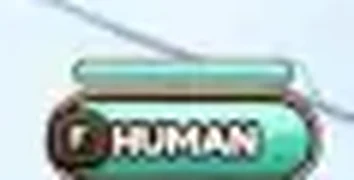
A full teal bar means the worm is ready for another attempt.
Confirm the meter has recovered
The warning clears and the meter refills while the HUD still shows HUMAN. Your next successful hit produces an XP popup.
If the warning returns
If the warning comes back as soon as you retry, release the move again and wait for more teal in the bar. If the meter is full and you earn no XP, switch to another intact target.