How to Return to the Desert from Frozen Wastes
Look near the Frozen Wastes spawn for the gold World 1 ring with a sandy desert inside it. If the ring does not take you through, leave the snow session and press Play on the main Sandworm Playground Roblox page.
Updated 2026-11-22 · Roblox · Frozen Wastes update
Find World 1 from the snow
Look beside the snow spawn
Go back to the open snow where your human avatar first appeared after the ice-ocean cutscene. From that spawn view, look right for the round portal. You can recognize it by the desert and blue sky visible inside the ring.
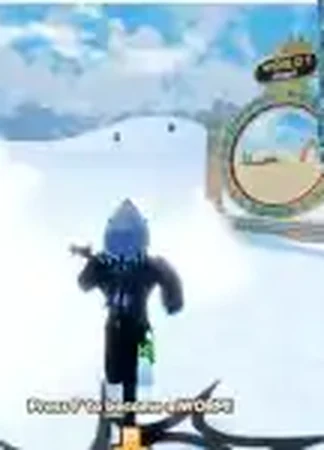
Look to the right of the human spawn view for the desert ring. Use the ring marked World 1
Check the World 1 sign above the gold ring. Walk into its center and check whether the map changes. If you are still in the snow, use the main experience page to rejoin.
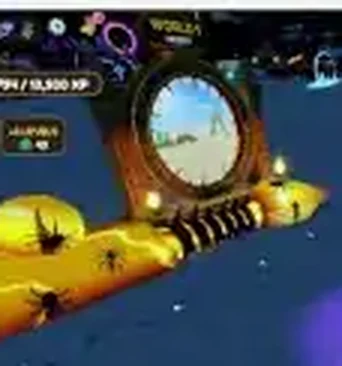
The gold base and the desert scene identify the World 1 ring after dark. Rejoin from the main Roblox page
Leave the current session. Open the official Sandworm Playground page and press Play. The game title includes [WORLD 2] for the update. The Play button on the main page launched into the desert in the recorded run.
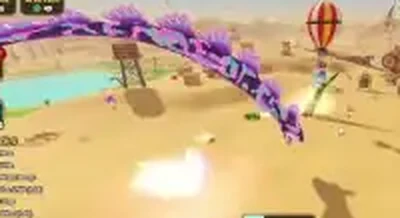
Look for yellow sand and desert landmarks after loading.
Confirm you are in the desert
You are back in World 1 when the snow and ice give way to yellow sand. The desert railroad and oasis are two landmarks you can use to get your bearings.
If you cannot find the ring
If you cannot find the gold ring from your current spot, leave the snow session, open the main Roblox experience, and press Play.