How to Get Free Gems in Sandworm Playground
When the Gem Chest alert appears, follow the purple arrow to the chest. Break it in worm form, then pick up the loose purple Gems.
Updated 2026-11-22 · Roblox · Frozen Wastes update
Find and break a Gem Chest
Watch for the Gem Chest alert
Look for the Gem Chest banner among the event announcements in the desert or Frozen Wastes.
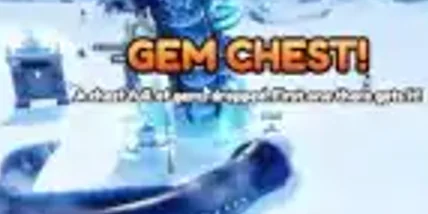
The Gem Chest banner tells you which event to look for. Follow the purple arrow and break the chest
Follow the purple arrow to the marked Gem Chest, then break it in worm form.
Pick up the loose Gems
Look for loose purple Gems near your worm. Move through them to collect them.
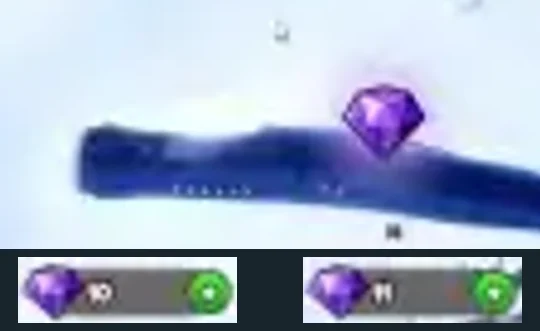
A loose Gem in Frozen Wastes, with the counter before and after the pickup.
Check your Gem balance
Check the purple Gem counter at the lower left after collecting. In the Frozen Wastes example, it went from 10 to 11.
If the arrow disappears
If the purple arrow disappears, watch for the next Gem Chest alert. Supply Drop is a separate event.