How to Mutate Worms in Sandworm Playground
Open WORMS and choose Mutate on the card for the worm you want. Your Gems must cover the cost shown on its panel. Frost Lamprey’s panel shows 20 Gems.
Updated 2026-11-22 · Roblox · Frozen Wastes update
Open the mutation menu and roll
Find Mutate on a worm card
Open Worms from the left side of the screen. Scroll to a worm with a Mutate button. On Frost Lamprey’s card, Mutate is just above the worm’s name.
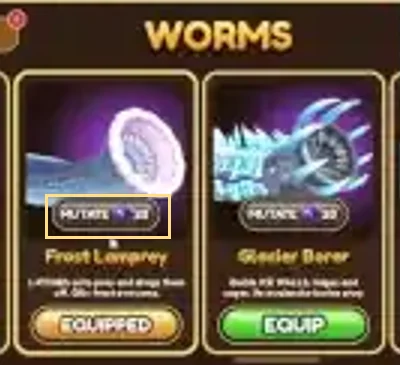
The small Mutate button is on the card, above the larger Equip or Equipped button. Check the cost and Gem shortfall
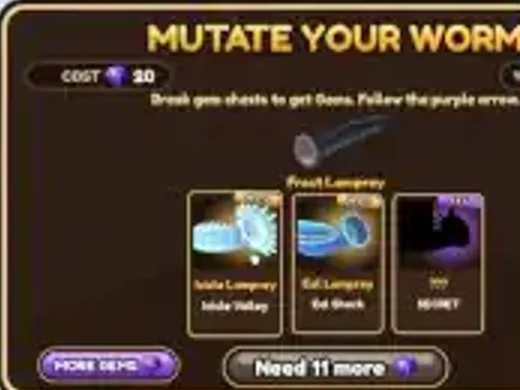
Read Cost near the top and check the roll button at the bottom. If it shows a shortfall, collect the displayed number of extra Gems and reopen this card. Get free Gems from Gem Chests.
 Open full-size image ↗
In this Frost Lamprey example, Cost 20 Gems is at the top and Need 11 more is at the bottom. Roll for your selected worm
Once your balance covers the cost, select the roll button and wait for the reel to stop.
If you get Already Yours
Check the Gems back line on a duplicate. A separate Normal Megalodon roll showed +9 Gems back. Use Equip to switch to the displayed worm or OK to close the result.
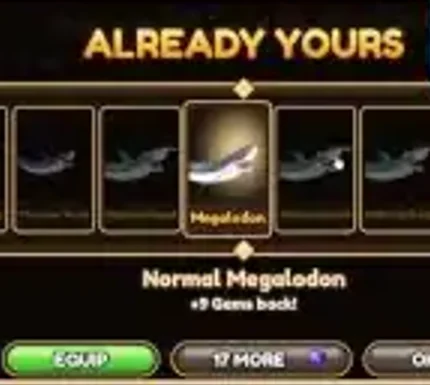
This Normal Megalodon example is a separate roll. Read the amount on your own result screen.
Check your roll
Read the worm name on the result screen to see what you rolled.
If you cannot find Mutate
If you only see Equip, look above the worm’s name for the smaller Mutate button.